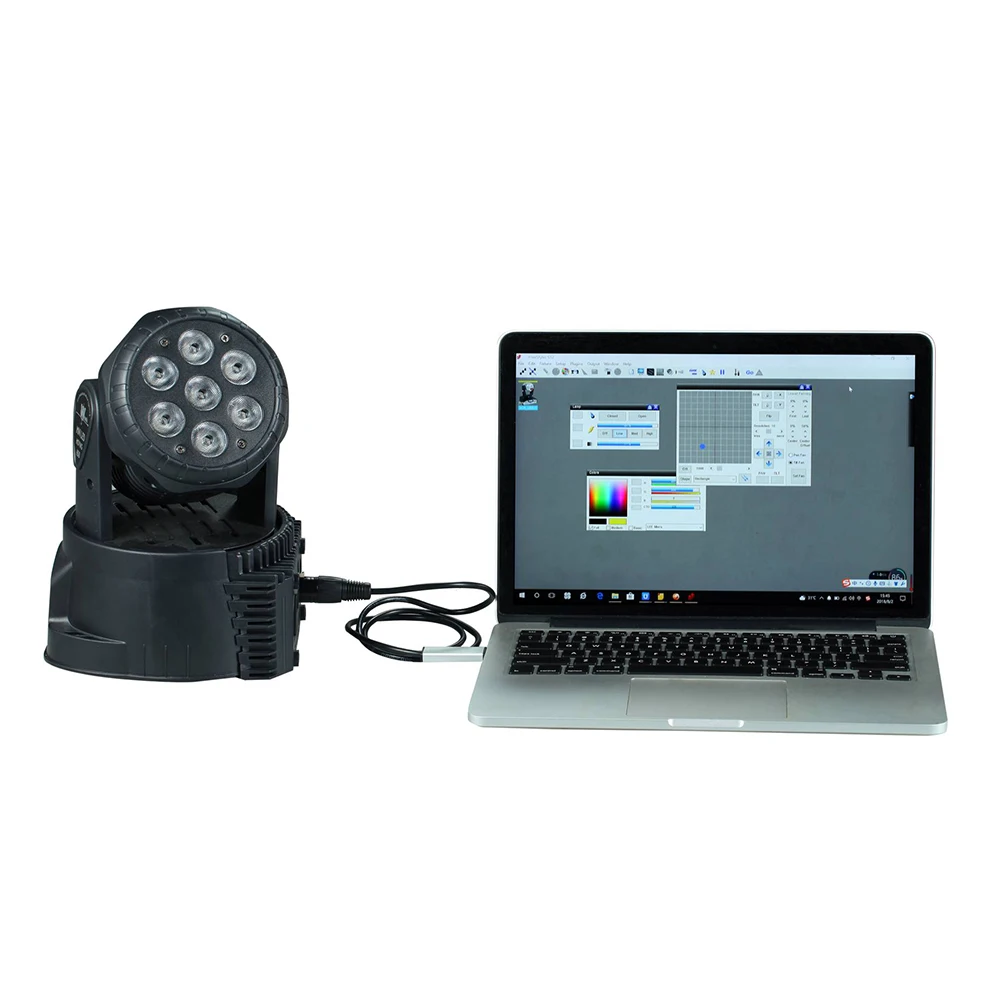
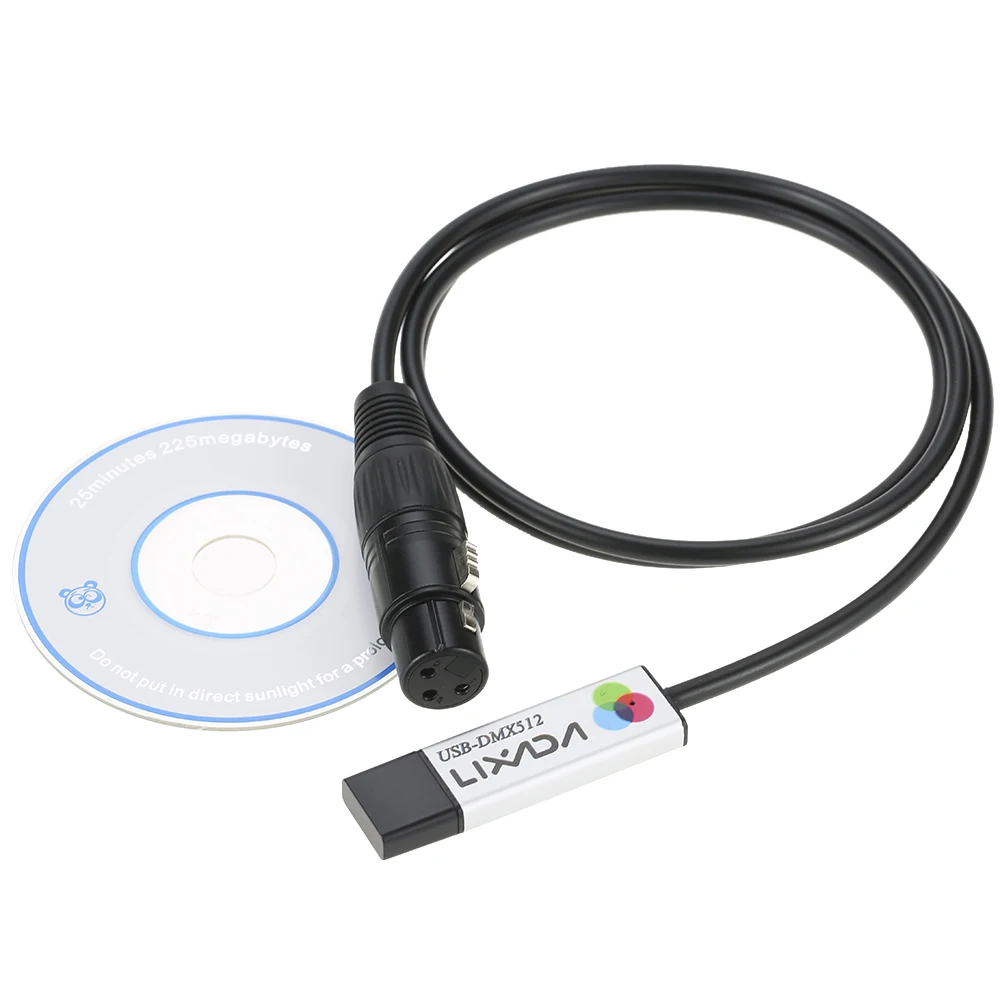
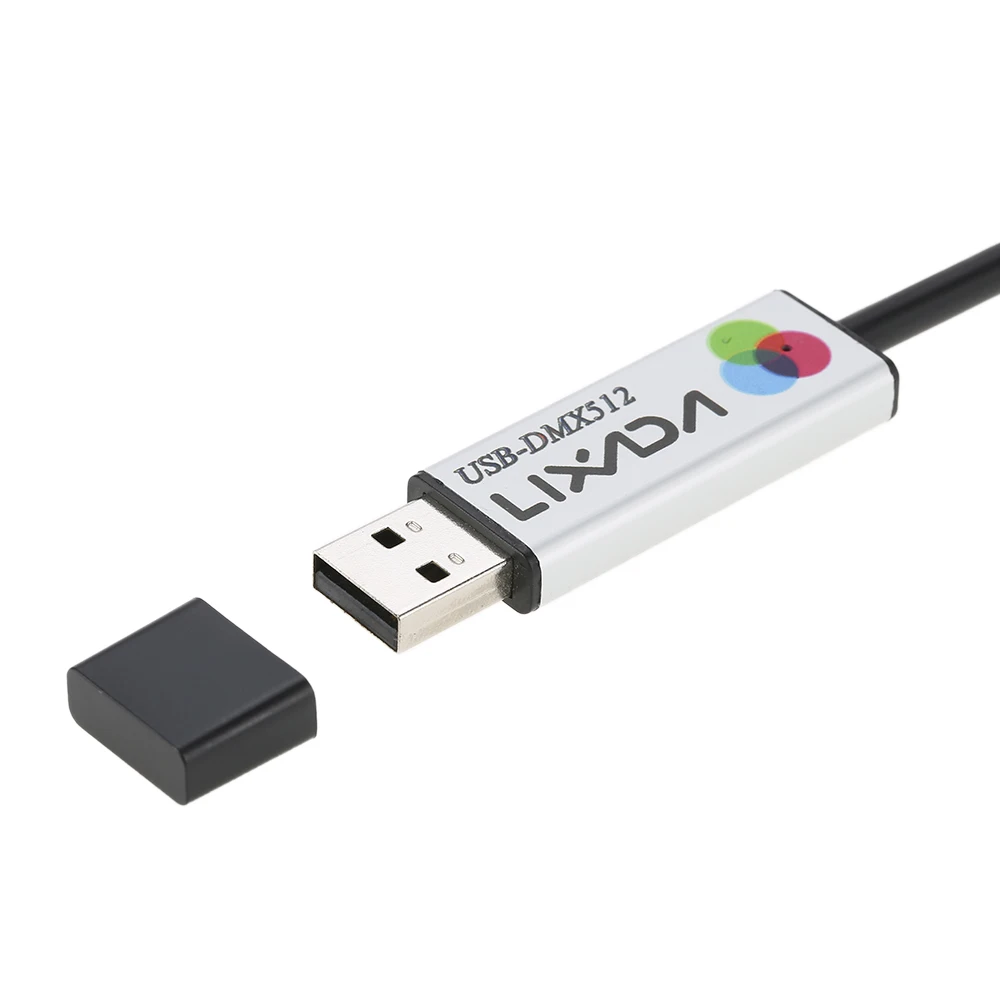
Connecting to the computer: Remove the USB protective cover from the adapter, and firmly insert the USB-A male connector into any available USB port on your computer. It is recommended to use the motherboard's native USB port to ensure signal stability.
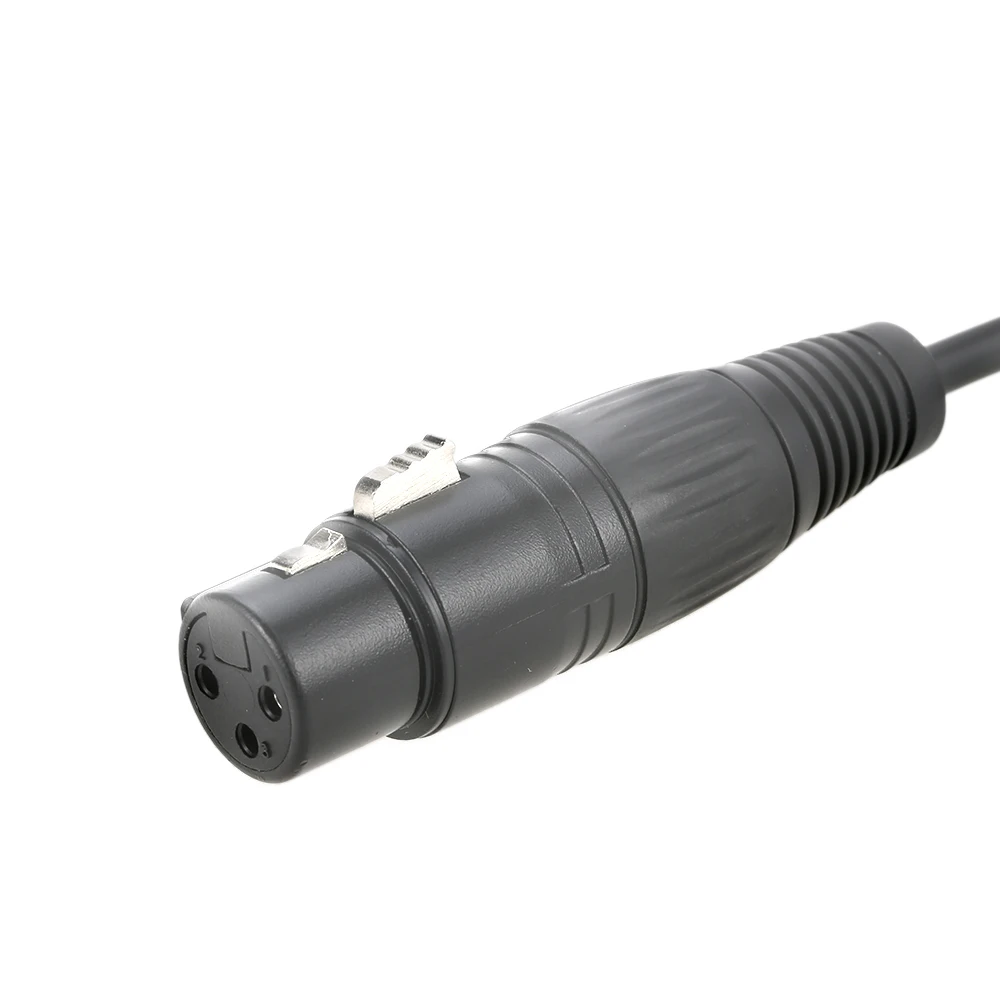
Connecting to lighting equipment: Connect the adapter's 3-pin DMX female connector to the input port of your DMX stage lighting or DMX signal distributor. Ensure that the connector's locking tabs are fully engaged to prevent loose connections that could cause signal interruptions.
Launching the software for control: Double-click the icon on the desktop or in the Start menu to open the installed Freestytle software. Follow the software prompts to set the output interface to this DMX adapter, and then you can begin programming scenes and controlling connected lighting equipment in real time.